01 / A LITTLE CURIOSITY GOES A LONG WAY
Start with you.
Your style story begins with a clear full-body photo. Bring yourself into the picture and give every outfit idea a personal starting point.
✧ A clear photo. A personal canvas.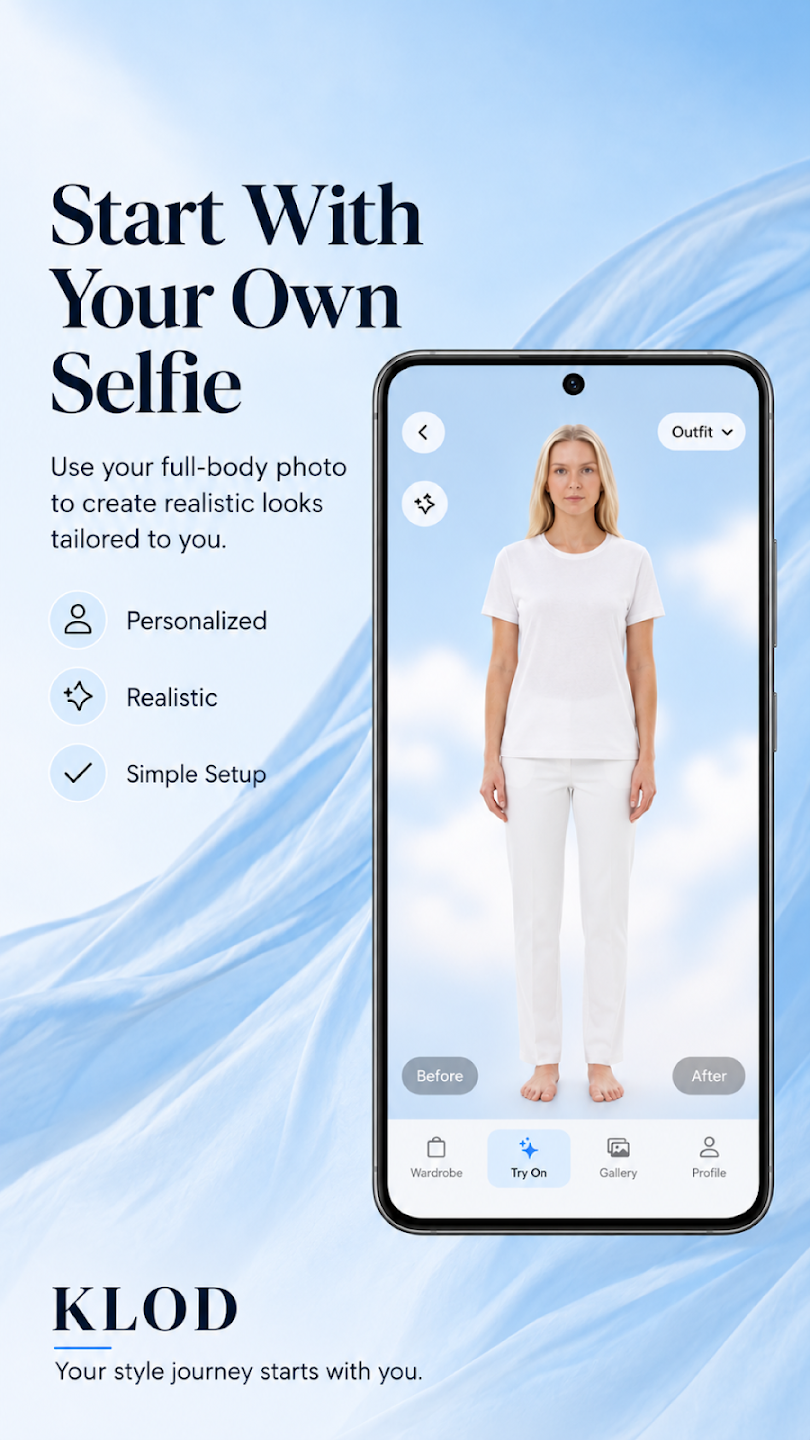

Your photo. Your wardrobe. Your next favorite look.
Explore what’s possible before you get dressed.
Your style story begins with a clear full-body photo. Bring yourself into the picture and give every outfit idea a personal starting point.
✧ A clear photo. A personal canvas.Add clothing from your camera or gallery. Choose tops, bottoms, shoes and accessories, then mix the pieces into a look you want to explore.
✧ Mix a little. Discover something new.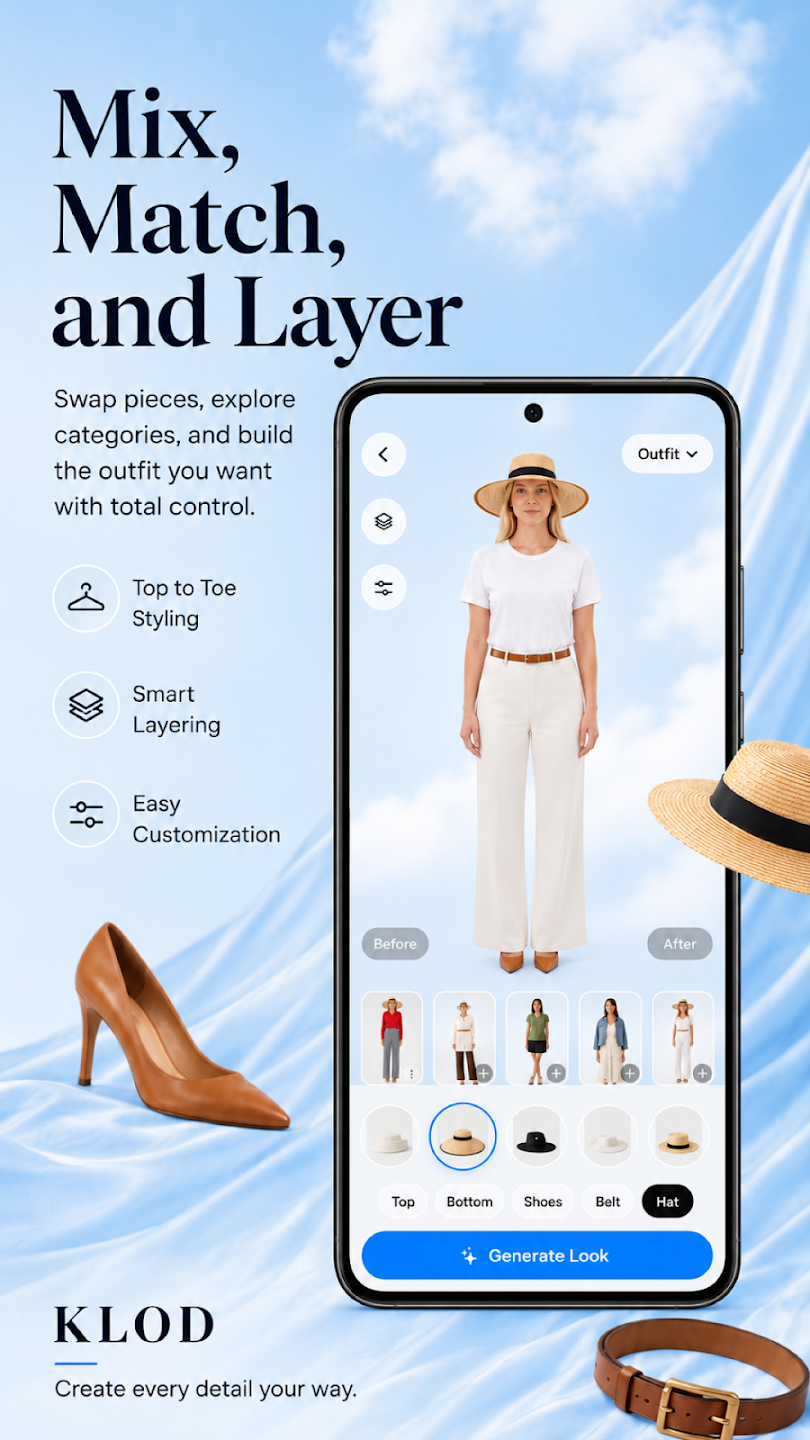
Generate an AI outfit preview on your photo. Save your favorites, share a look, or change a piece and explore a different direction.
✧ Preview. Save. Make it your own.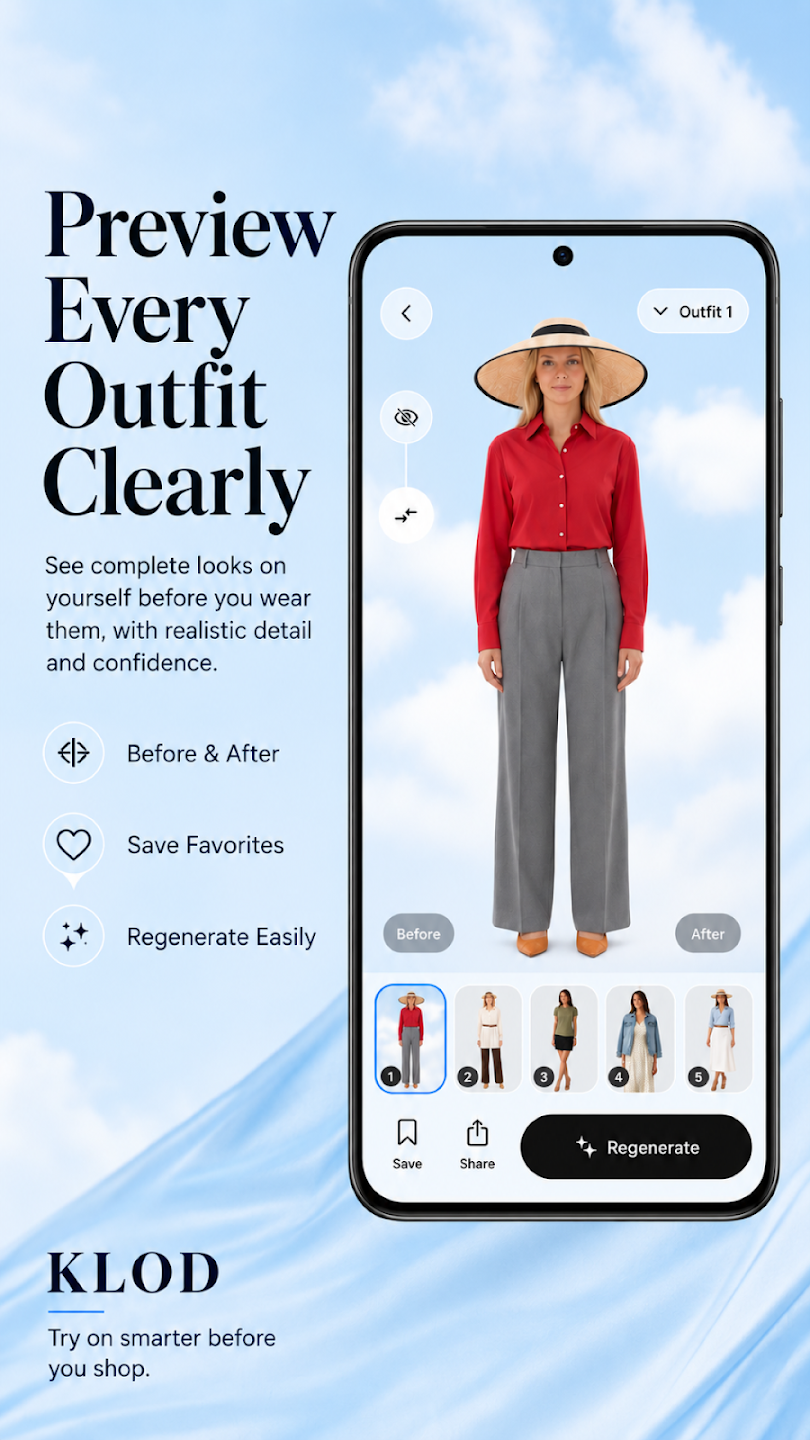
AI previews are for fashion exploration. Actual fit, color, fabric and proportions may differ.
 CURATED
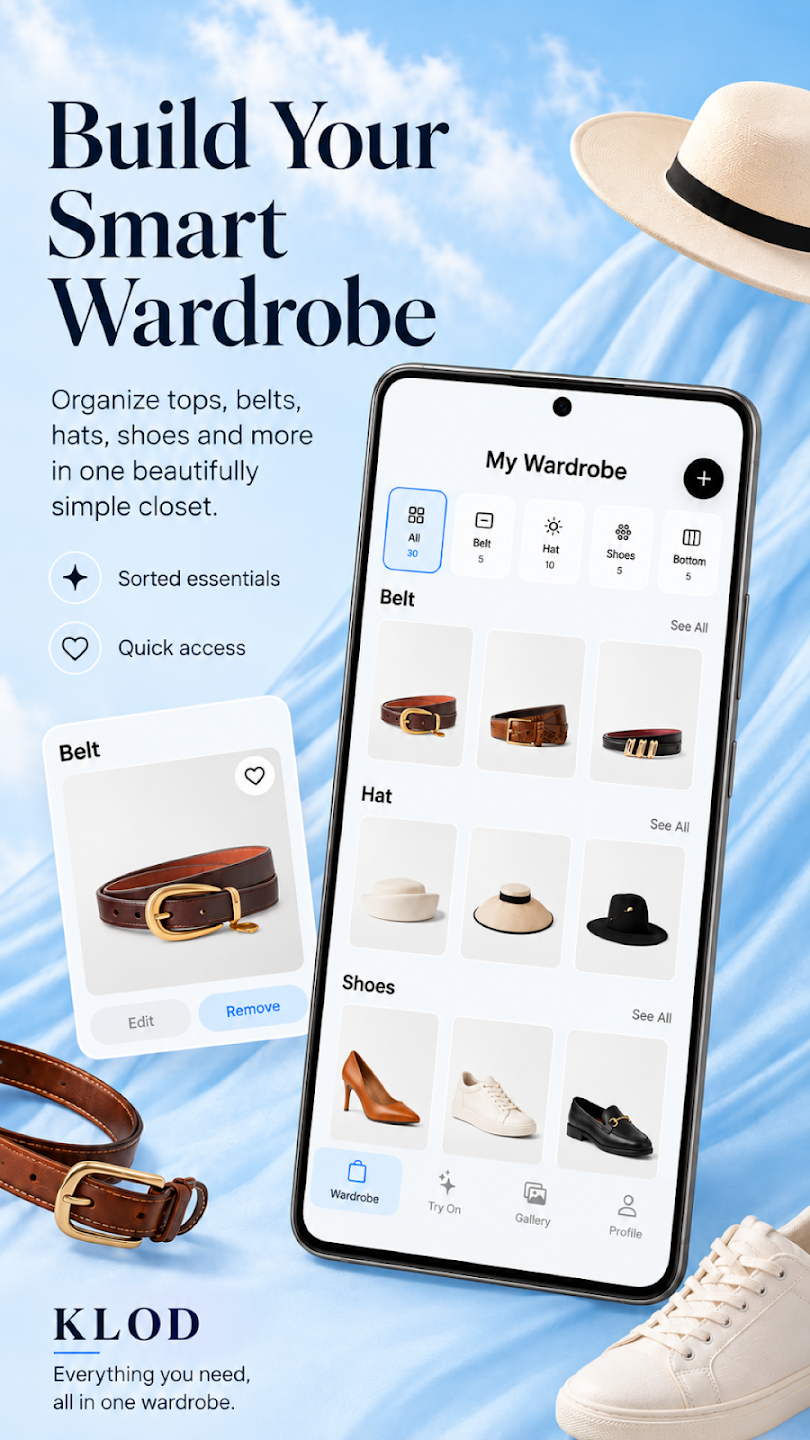
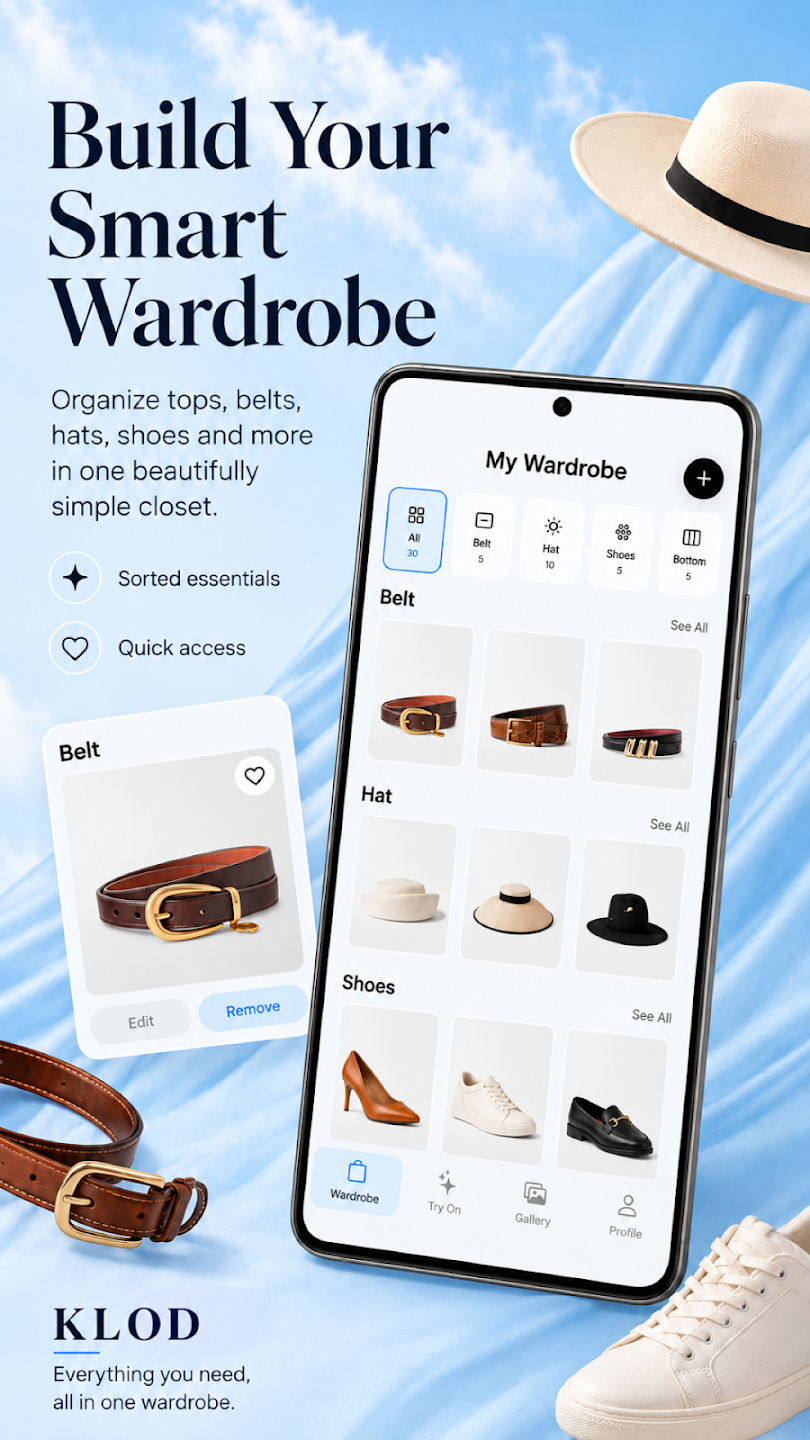
Give your clothes a home beyond the closet. Bring your favorite pieces into KLOD and make room for more outfit ideas.
Use your camera or photo library. AI Assist helps detect items and remove backgrounds.
Browse tops, bottoms, shoes, belts and hats in your digital closet.
Save generated outfits to My Looks, mark favorites and share your inspiration.
From the first photo to the look you save, explore how the pieces of KLOD work together.
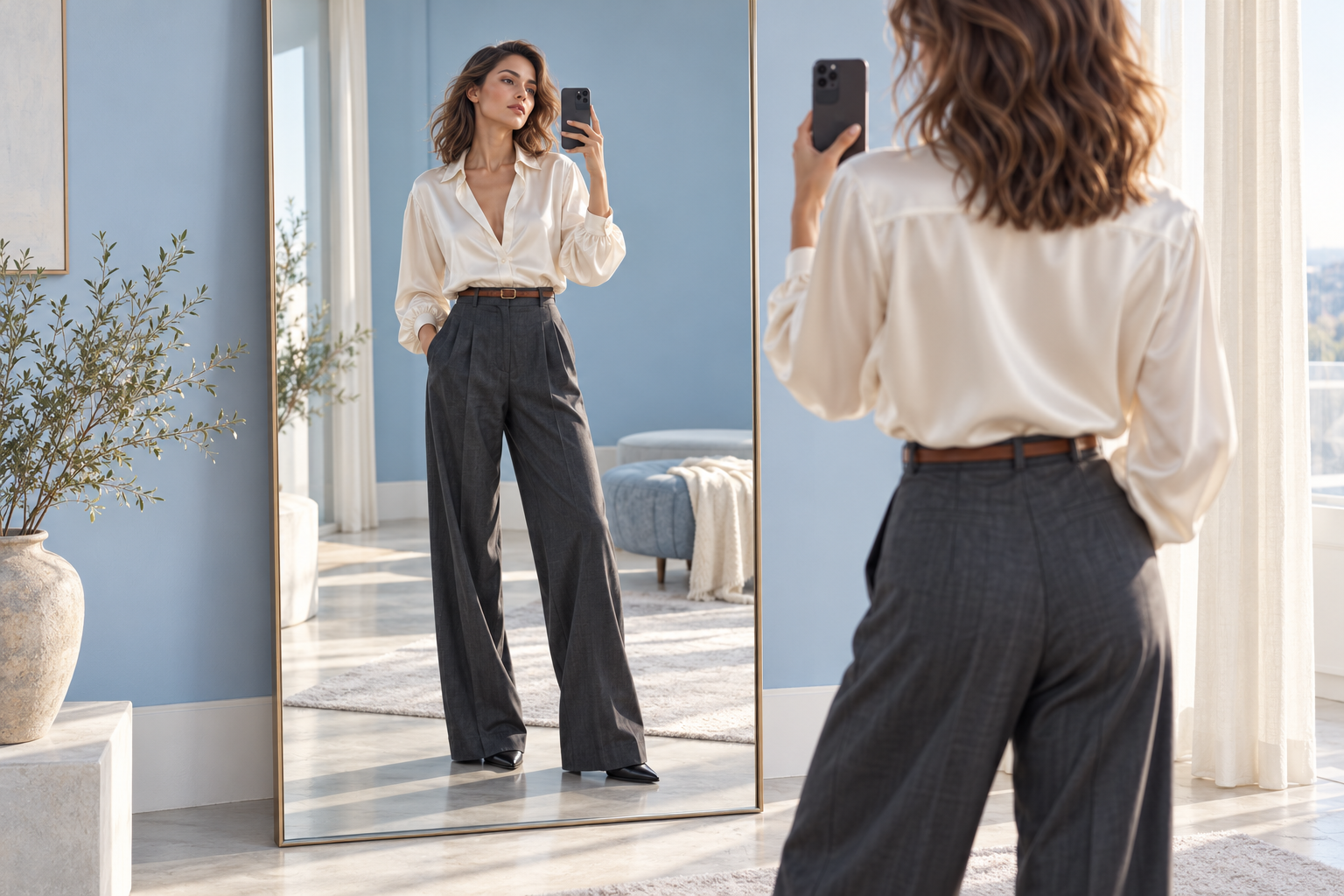
Fashion feels different when you can picture it on yourself. Start with a clear full-body photo and use it as the canvas for the looks you want to explore.
Upload a full-body image to explore outfits on your own photo.
Choose good lighting and keep your full body visible for a clearer starting image.
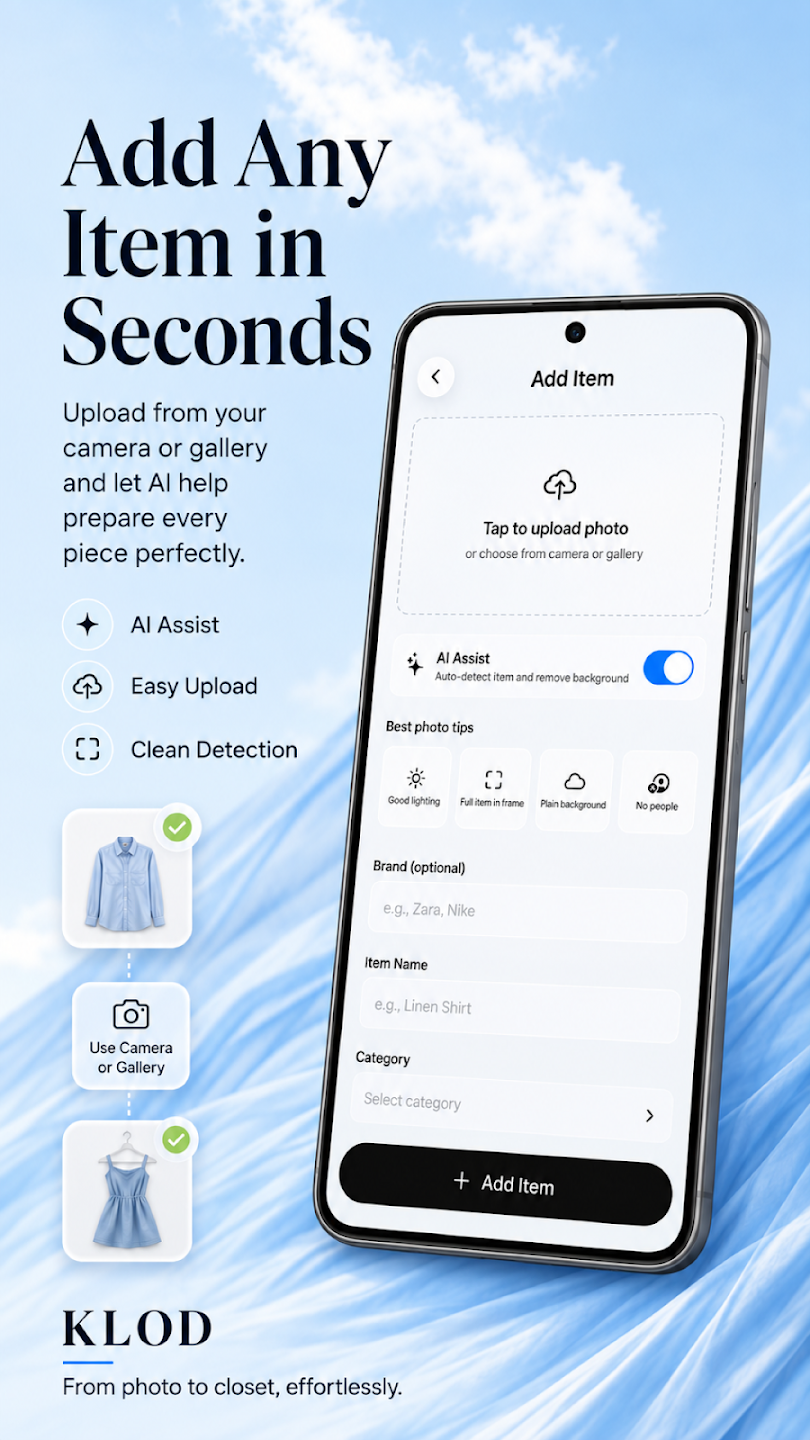
A favorite shirt. A pair of shoes. That accessory you keep coming back to. Add clothing from your camera or photo library, then prepare each piece for your digital wardrobe.
AI Assist can detect the item and remove its background.
Give your item a name and category, with an optional brand, so it is easier to find later.
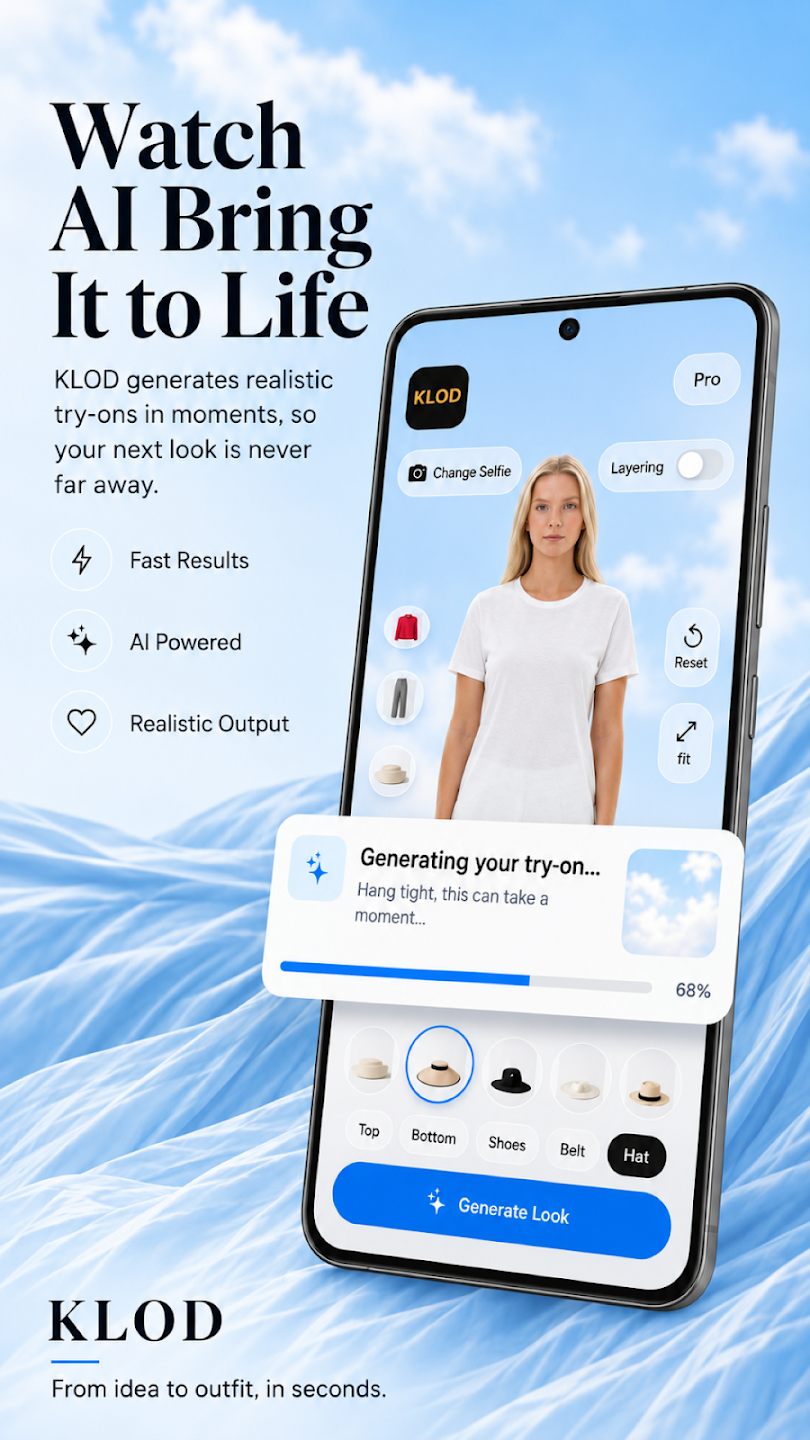
Build an outfit from head to toe. Bring together tops, bottoms, shoes, belts and hats, then try a different piece to take the whole look in a new direction.
Explore clothing categories and arrange the pieces you want in your outfit.
Experiment with layering, change a combination and generate another preview.
Generate an AI outfit preview on your photo. Compare the idea with your starting point, explore another combination, or save the looks you want to come back to.
Save generated outfits in My Looks and mark your favorites for easy inspiration.
Share a look with a friend or regenerate when you want another direction.
AI previews are visual inspiration. Real fit, color, fabric and proportions may differ.
 YOUR PHOTO
Upload a clear full-body photo of yourself. This is where your style story starts.
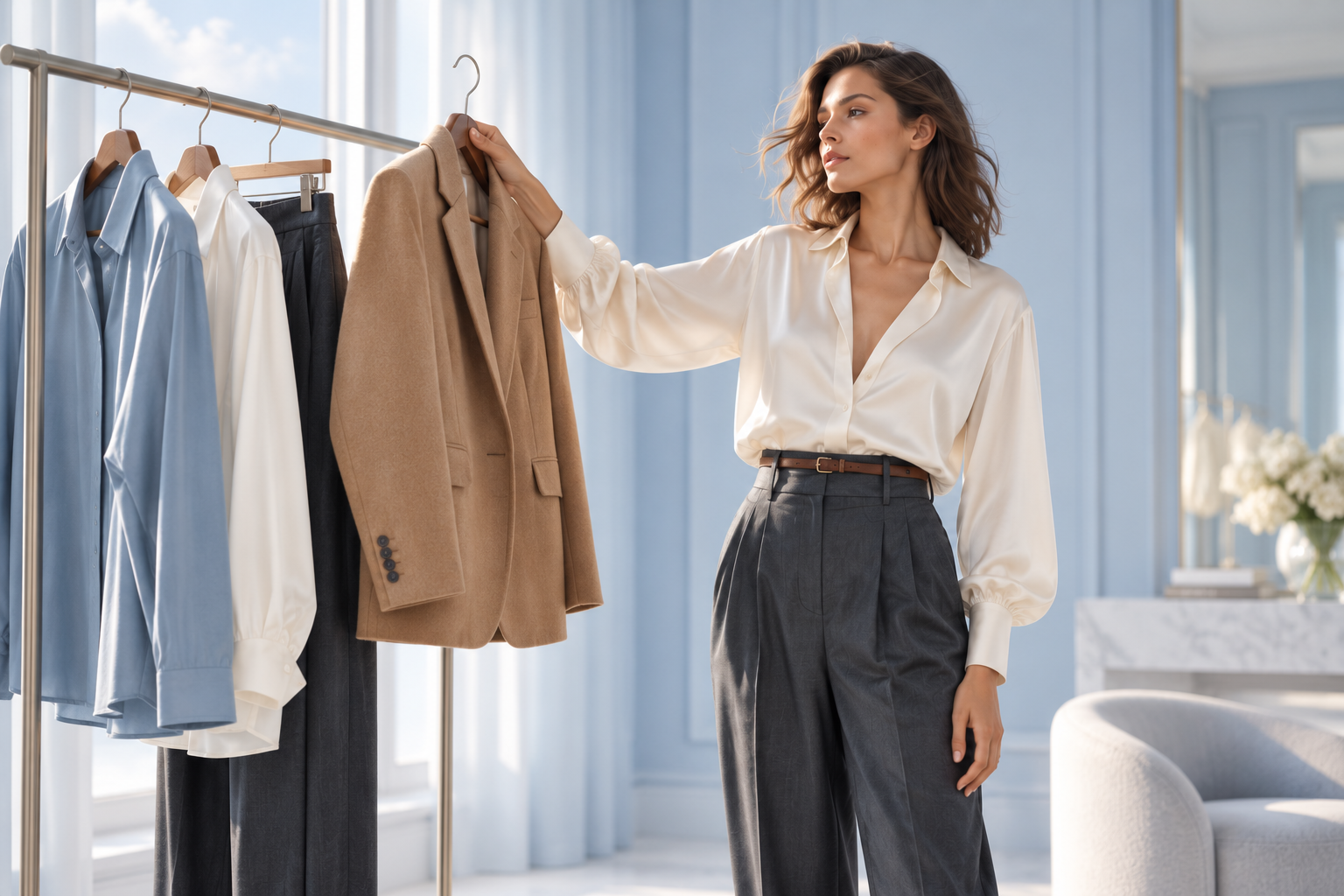 YOUR PIECES
Add clothing from your camera or gallery. Choose and arrange the items for your look.
 YOUR NEXT LOOK
Generate your AI preview. Save it, share it, or change things up and explore again.
From a relaxed morning to a dressed-up evening, make space to explore. Pick a mood for a little inspiration.
Easy layers. Familiar favorites. A look that feels like you.
Style inspiration · Explore your own combinations in the app.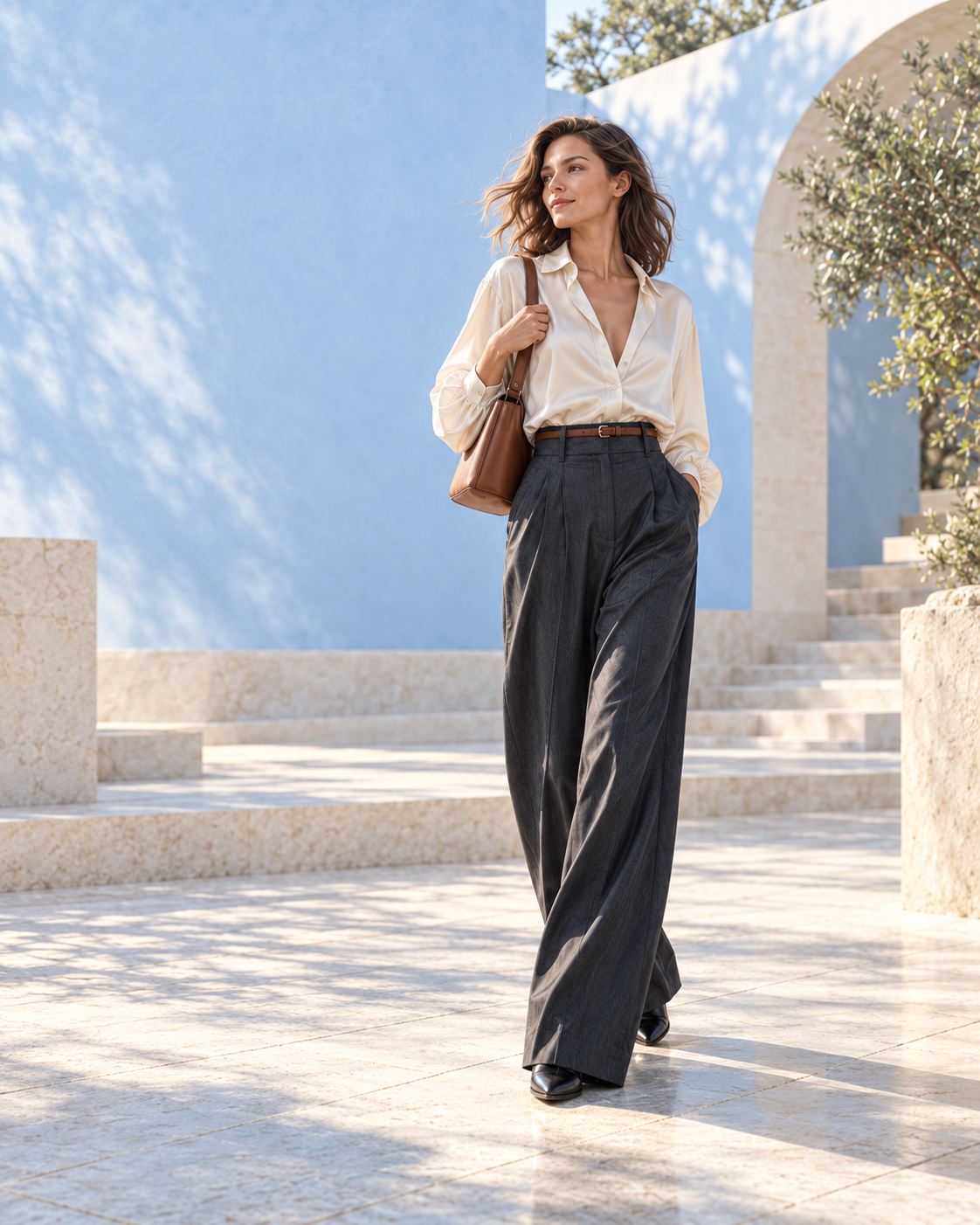 THE STYLE NOTES / 001
A little inspiration looks good on you.
Available on iOS & Android · In-app purchases available